
Stock & shop
Sell alongside what you hire
Blades, fuel, fixings, helmets, spare parts. Put them on the same order as the rental and stop running a second system for retail.
Free for 7 days. No card required.
Retail without a second system
-
One order, both lines
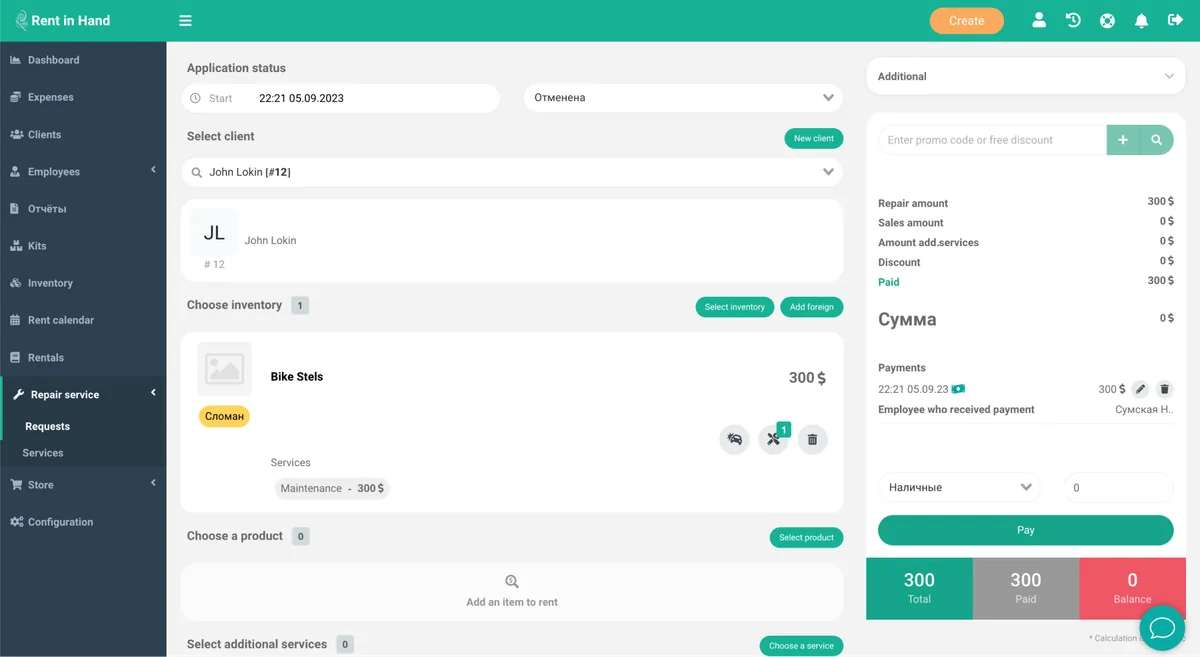
Rental items and sold goods sit on the same contract and the same payment.
-
Stock levels that move
Selling decrements stock. Low-stock items surface before you run out mid-job.
-
Purchase and margin
Record cost price and see margin per product, not just turnover.
-
Barcodes
Scan products at the counter exactly like rental items.
-
Write-offs
Record damage, loss and internal use so the numbers stay honest.
-
Sales in the same report
Rental revenue and sales revenue side by side, per location and per shift.
Margin
The add-on sale is where the margin is
Hire margins are thin and predictable. Consumables are not. Putting them on the same screen as the rental is the difference between staff offering them and staff forgetting.
- Suggested add-ons on the rental screen
- Cost and margin per product
- Stock counts and adjustments
- Supplier and purchase records
Frequently asked questions
Is this a full retail EPOS?
It is built for a hire desk that also sells, not for a supermarket. If retail is the bulk of your turnover you will want a dedicated till; if it is an add-on to rental, this is simpler and cheaper.
Which plans include it?
The stock and shop module is on the Pro plan.
Can I track serial numbers on sold goods?
Yes, where the product is serialised. Non-serialised products are tracked by quantity.
Put your consumables on the same screen
Load your top twenty sellers and see how often they get added to a rental.
Free for 7 days. No card required.