
Rental booking system
A rental booking system that knows what is actually free
Take bookings from the counter, phone or your website without keeping three calendars in sync. Dates, availability, deposits, contracts and returns stay on one rental record.
Free for 7 days. No card required.
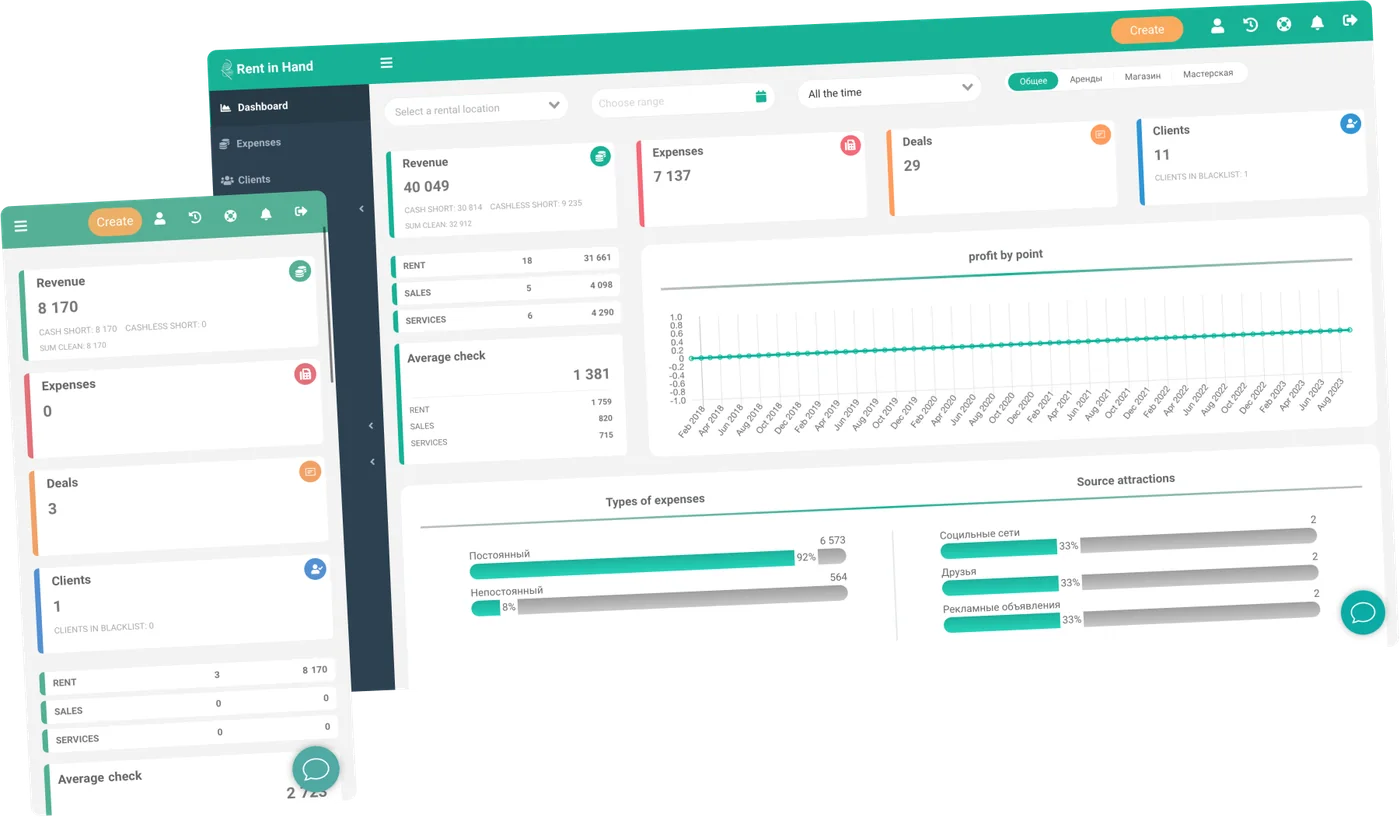
Booking flow for real hire desks
The important part of a rental booking is not the form. It is knowing whether the right item will be ready when the customer arrives.
-
Live availability
Check availability by item, date and location before you promise equipment to a customer.
-
Hourly, daily or weekly rates
Set the rental periods and rate rules your trade uses, including minimum periods and extensions.
-
Contracts from your template
Use your own rental agreement and fill it with the customer, item, dates, rates and totals from the booking.
-
Deposits and payments
Take a deposit or payment at handover, record what was returned and keep the balance on the rental.
-
Extensions and early returns
Change the end date or close the hire when the equipment actually comes back, without losing the original history.
-
Online booking widget
Let customers request and pay for available equipment on your own website using the same catalogue as the desk.
Availability
Stop double bookings before they reach the customer
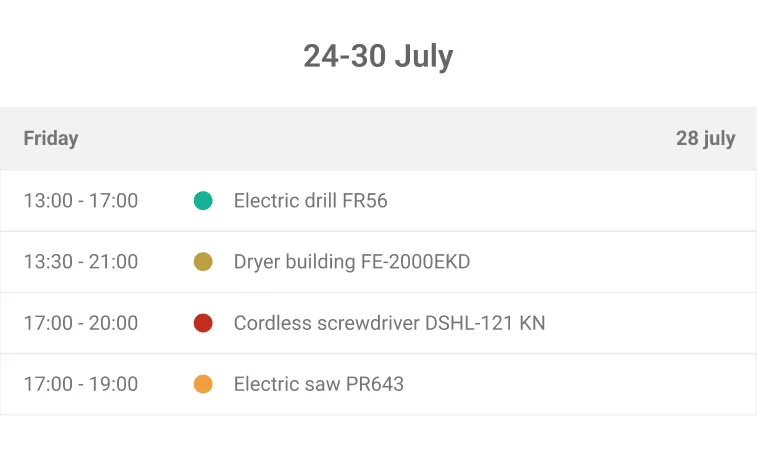
Availability is calculated from real units, reservations, current hires and workshop downtime. If a kit is missing one component or a machine is still being repaired, the system does not present it as free.
- Calendar views by day, week and month
- Availability across multiple locations
- Reservations with expiry
- Booked, on-hire, due-back and repair statuses
Handover
The booking does not end at checkout
The rental record follows the item through handover, on-hire, extension, return, inspection and settlement. That gives the desk one place to answer what happened and what is still owed.
- Signature and condition photos
- Late fees based on your rules
- Damage linked to the contract
- Deposit returned or withheld on the record
Frequently asked questions
Can customers book equipment from our website?
Yes. The booking widget can be added to an existing website and uses the same live availability as the dashboard.
Can we still take bookings by phone?
Yes. Staff can create counter and phone bookings in the dashboard or mobile app alongside online reservations.
Does the system support long hires and extensions?
Yes. Keep a hire open until the equipment returns, record extensions and adjust the rental record without rebuilding it.
Run one real booking through it
Load a few items, take a booking, hand it over and close it. That is the fastest way to see whether the workflow fits.
Free for 7 days. No card required.