
Rental CRM
A rental CRM that remembers what each customer actually hired
A customer record is more useful when it includes the equipment, contracts, deposits, balances and conversations that came with the hire. Keep the relationship beside the operation.
Free for 7 days. No card required.
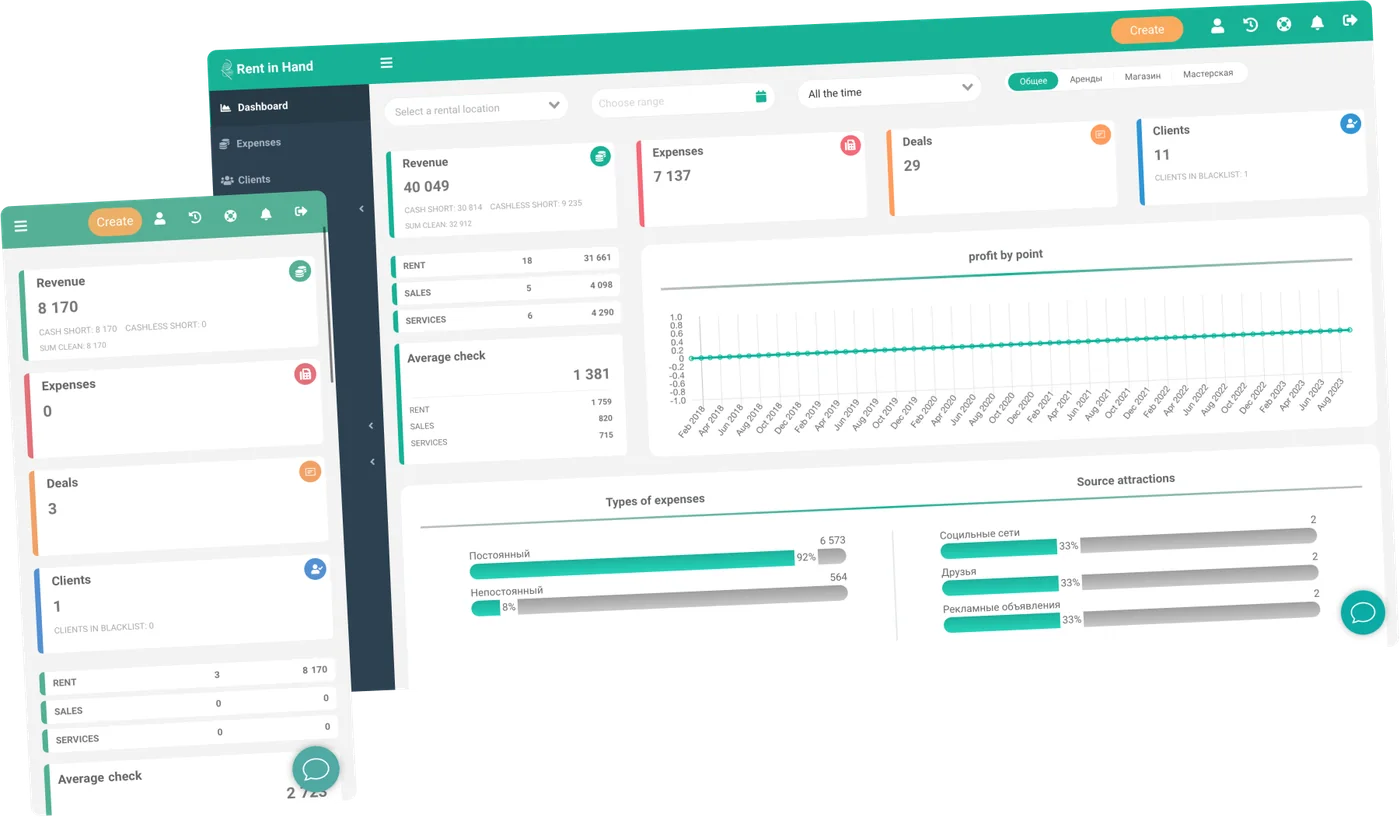
Customer context at the moment it matters
Your team should not ask a repeat customer to explain their account from scratch every time they call.
-
Rental history
See what a customer hired, when it was returned, what it earned and whether any balance is still open.
-
Contacts and documents
Keep company contacts, customer documents and the information your agreement needs on one profile.
-
Outstanding balances
See deposits held, unpaid rentals and other balances before you create the next booking.
-
Repeat bookings
Start from a customer's previous hire and adjust the dates and equipment instead of rebuilding the order.
-
Customer flags
Keep internal notes and account flags visible to the staff who need them, with permissions for sensitive data.
-
Online and counter records
Website bookings, phone enquiries and counter rentals land in the same customer history.
Continuity
The next person at the desk can pick up the call
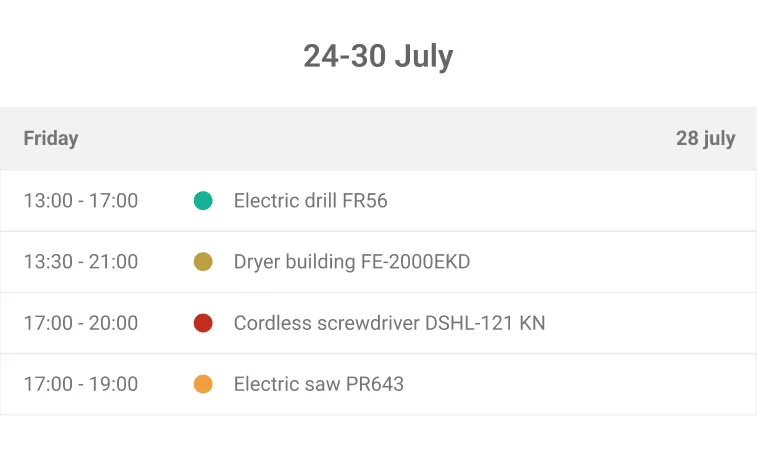
When a customer has hired from you before, the team can see the equipment, dates, contract and balance without searching old emails. That is the difference between a database and a rental CRM.
- Past rentals and current bookings
- Documents and contact details together
- Notes visible to authorised staff
- Repeat order from a previous rental
Accountability
Put the customer beside the item record
The customer and the equipment are connected through the rental. If there is damage, an unpaid balance or a repair claim, the relevant contract is the first place to look.
- Damage linked to the customer and hire
- Deposit status on the rental
- Balances by customer and location
- Exportable customer and booking data
Frequently asked questions
Can I see a customer's previous rentals?
Yes. Customer profiles show rental history, current bookings, documents and outstanding balances.
Can customers book online and still have one profile?
Yes. Online reservations and staff-created bookings use the same customer and rental records.
Can I control who sees customer information?
Use roles and permissions to control what staff can see and change on the account.
Make the next booking a repeat booking
Import a few customer records and see how much context your team can keep on one screen.
Free for 7 days. No card required.