
Rental point of sale
A rental POS for the counter, not a retail till with dates added
The desk needs to take payment, hand over equipment, record a deposit and keep the item unavailable until it comes back. Rent in Hand keeps those actions on one rental record.
Free for 7 days. No card required.
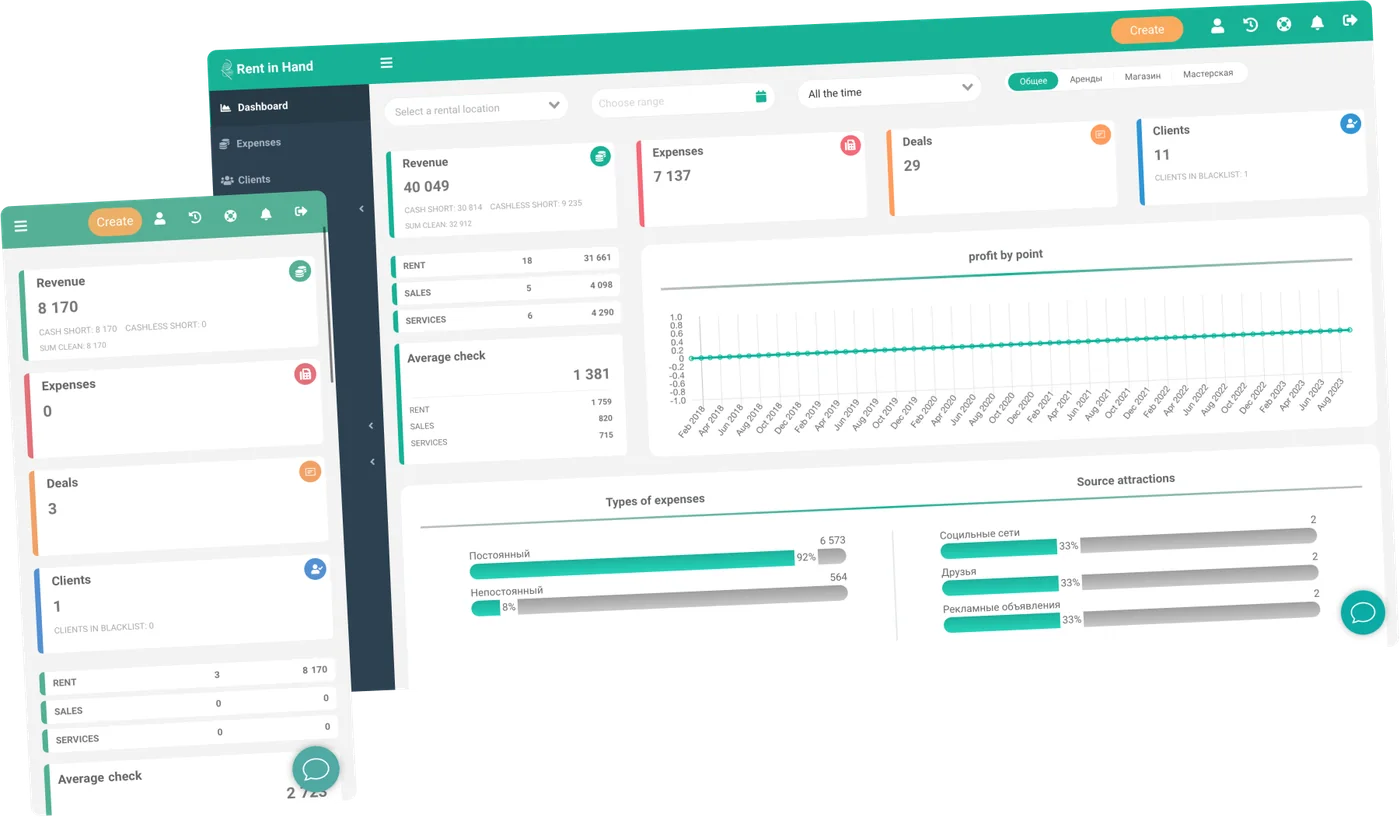
The counter work that belongs together
A rental sale has a return date, a condition, a deposit and an item that must not be promised twice.
-
Rental order at the till
Create the booking, add items, set dates and take payment without jumping to a second application.
-
Deposits on the transaction
Record the deposit separately from rental revenue and return or withhold it when the equipment comes back.
-
Contracts and signatures
Generate your agreement from the rental details and capture the customer's signature at handover.
-
Shift and cash-up
Open and close shifts, reconcile the till and see discrepancies while the transaction is still fresh.
-
Mobile counter
Use the mobile app for collections, deliveries and yard handovers when the customer is not standing at the desk.
-
Add-on sales
Put consumables, spares and accessories on the same order when your rental business also sells stock.
Handover
One checkout that understands equipment
A normal retail till can take money. A rental desk also needs to prove what left, when it is due back, which condition it left in and what happens if it returns damaged. Those details stay attached to the transaction.
- Item and customer on every rental
- Deposit and balance shown separately
- Signed agreement and condition evidence
- Payment history against the contract
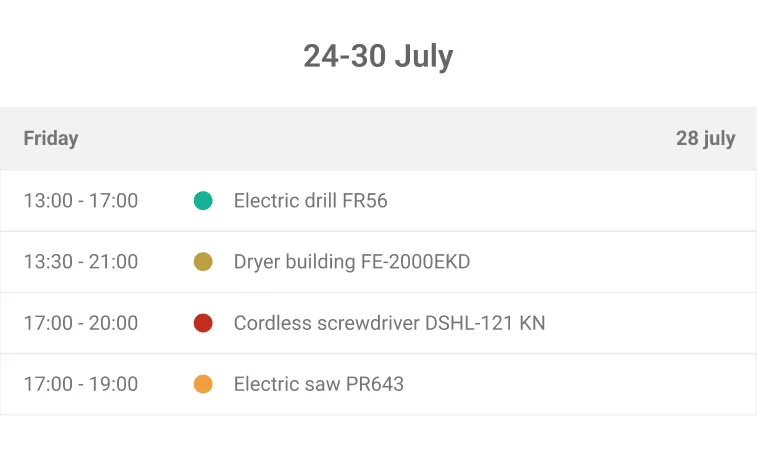
Operations
Shift handover without the spreadsheet
Close the shift against the money actually taken, not against a number someone typed into a worksheet. The next person sees open rentals, outstanding balances and the current state of the till.
- Roles for discounts and refunds
- Cash reconciliation per shift
- Outstanding balances by customer
- Stock and rental revenue in one view
Frequently asked questions
Is Rent in Hand a general retail POS?
It is a rental point of sale with an optional stock and shop module. It is designed for a hire desk where equipment bookings are the main transaction.
Can staff take payments away from the counter?
Yes. The mobile app supports handover, return and payment actions away from the dashboard.
Can we restrict who can refund or discount?
Yes. Roles and permissions control discounts, refunds, financial views and other sensitive actions.
Replace the counter spreadsheet
Try one shift with your own catalogue and payment flow. Seven days, full access, no card.
Free for 7 days. No card required.