
At the hire desk
Hire desk software for the people at the counter
The desk is where money is made and lost: the handover, the deposit, the return and the cash-up. This is the system underneath those five minutes.
Free for 7 days. No card required.
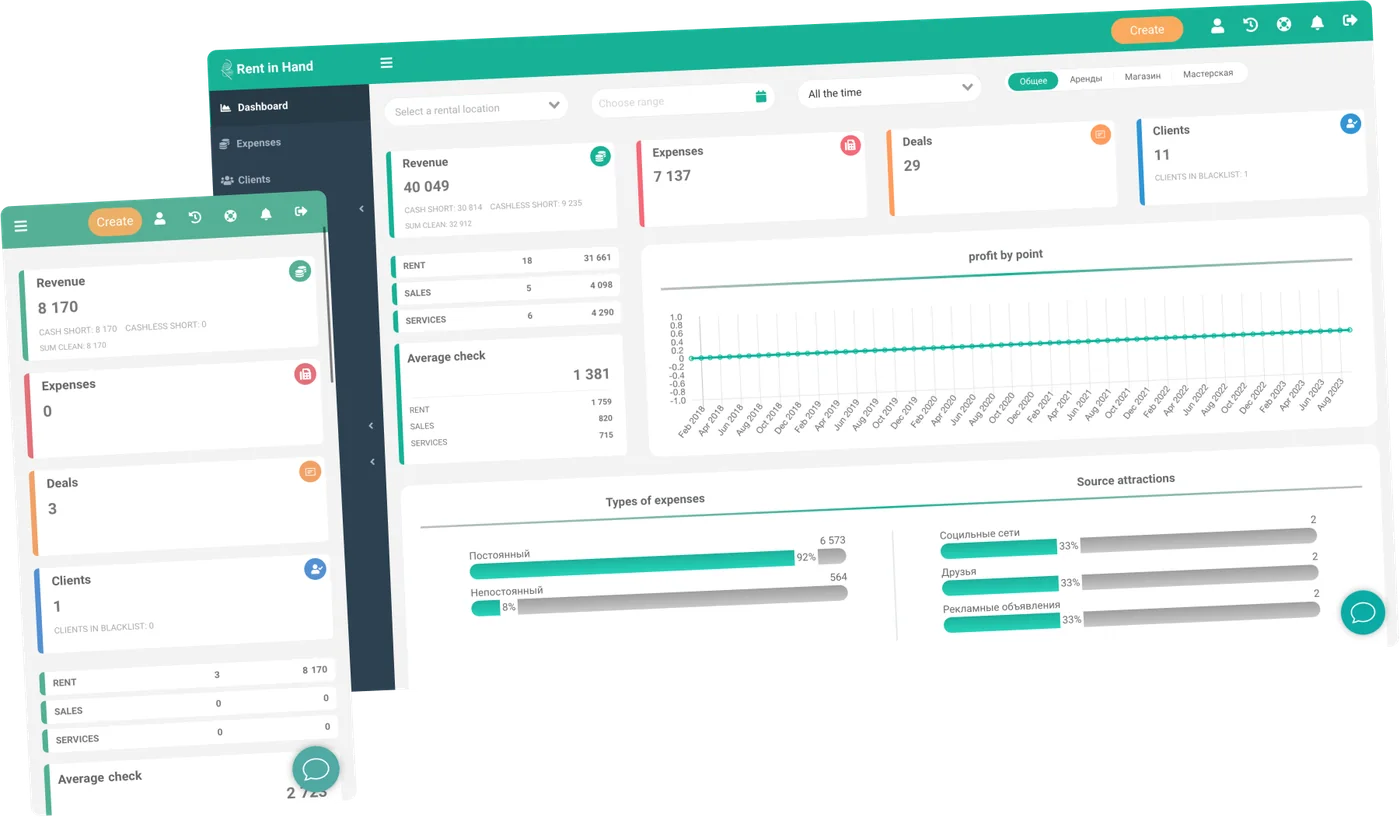
Process, not paperwork
Most hire desk problems are people problems. A step skipped, a discount given quietly, a till that does not add up on a Friday.
-
One screen per hire
Customer, items, dates, price, deposit and payment on a single screen. No tabbing between a spreadsheet and a wall planner.
-
Roles and permissions
Decide who can discount, who can refund, who can write off and who can see turnover. Per person, per location.
-
Shifts and cash-up
Open a shift, close a shift, count the till. A discrepancy surfaces the same day, while people still remember the customer.
-
Contracts signed at the desk
Your own terms, filled from the hire, signed on screen and stored against the booking with the condition photos.
-
Deposits handled properly
Taken, held, deducted from and refunded, with a record of who authorised each step and when.
-
Phone, walk-in and web in one queue
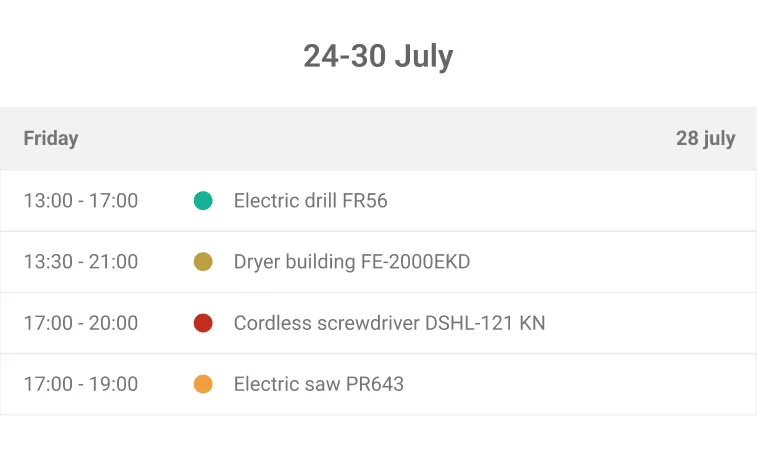
A booking made on your website sits in the same calendar as the one taken over the counter two minutes ago.
New starters
The counter should teach itself
Hire desks have turnover. When the handover is one fixed sequence on one screen, a new starter can run it in their first week, and the experienced person stops being the only one who knows how deposits work.
- Same sequence every time: customer, kit, deposit, photos, signature
- Permissions stop the expensive mistakes
- Item and customer history visible before you commit
- Everything typed once and only once
The till
Cash-up that finds the problem
Takings by shift, by person and by payment method, against what the system says should be there. Most shortfalls turn out to be a discount someone gave or a deposit refunded twice, and both are on the record with a name against them.
- Takings by shift and by staff member
- Discounts and refunds attributed to a person
- Deposit movements listed in full
- Hire revenue and sales kept apart
Frequently asked questions
How are staff accounts handled?
Each person gets their own login so every action is attributable, and what they can do is set by their role. The number of accounts included depends on your plan.
Can one desk serve several branches?
Yes. Staff can be scoped to a single location or given a view across all of them, and stock transfers between sites keep its history.
Does it work on a tablet at the counter?
Yes. The dashboard runs in a browser on any screen, and the mobile app covers handovers and returns if you would rather hold a phone or tablet.
What happens when the internet drops?
The dashboard needs a connection. The mobile app is more forgiving and syncs what it captured once signal comes back.
Can we stop staff giving discounts?
Yes. Discounting, refunding and writing off are separate permissions, so you can leave them with a supervisor and still let everyone take a hire.
Give your desk one way of doing things
Seven days, full access, no card. Set up your roles, run a shift end to end and cash up at the finish.
Free for 7 days. No card required.