
For plant hire depots
Plant hire software built around on-hire and off-hire
Excavators, dumpers, telehandlers and rollers, each with its own record of where it is, who has it and what it has earned. On-hire and off-hire dates that nobody has to reconstruct from memory.
Free for 7 days. No card required.
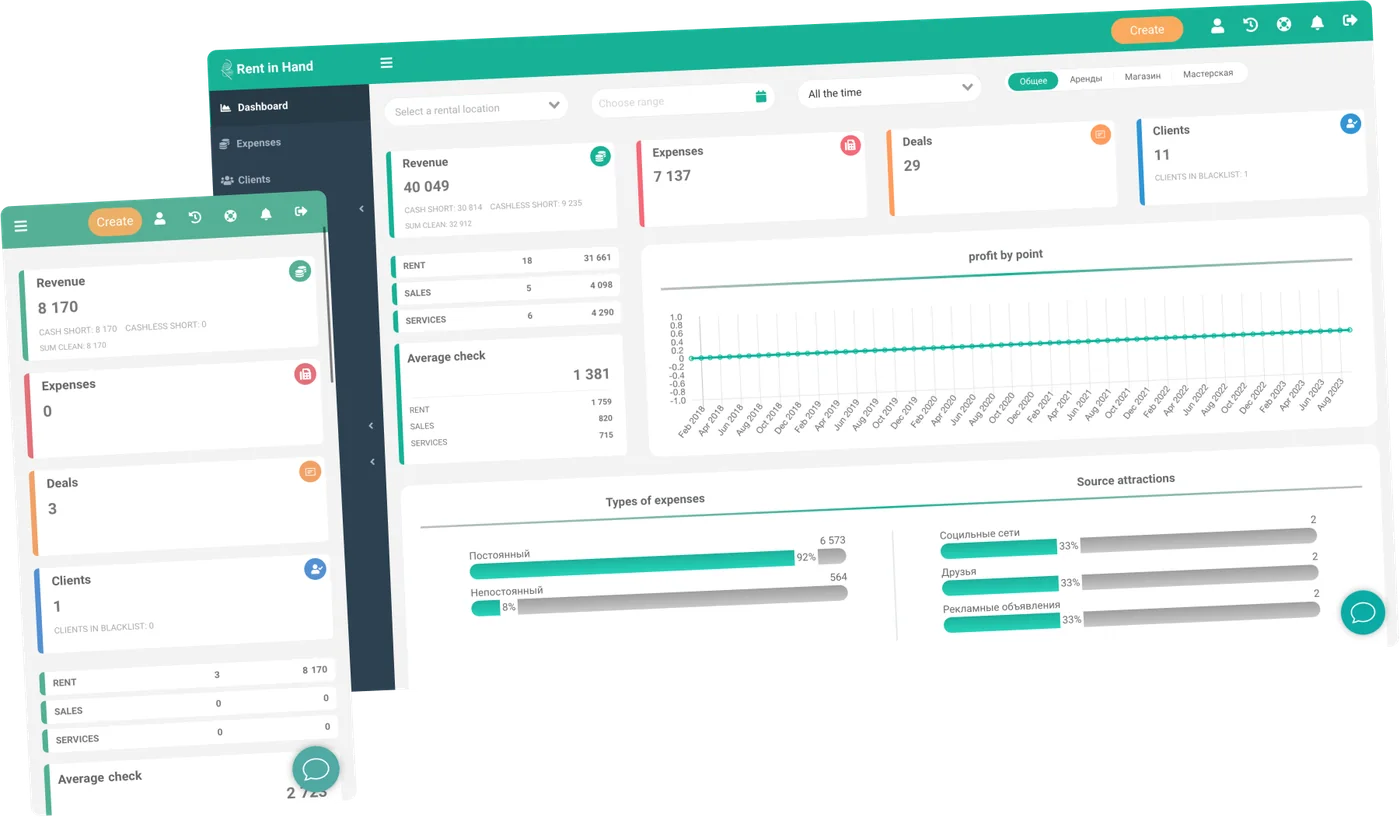
Built for kit that leaves the yard
Plant goes out for weeks, moves between sites and comes back muddy. The paperwork has to survive all three.
-
On-hire and off-hire dates
Every hire carries a start, an agreed end and an actual off-hire. Extensions are logged as they are agreed, so the invoice matches the site diary.
-
A record per machine
Serial number, hire history, revenue to date and every repair held against that one unit rather than the model.
-
Condition evidence
Photograph the machine at handover and at collection from the mobile app. The pair sits on the contract when the argument starts.
-
Availability across depots
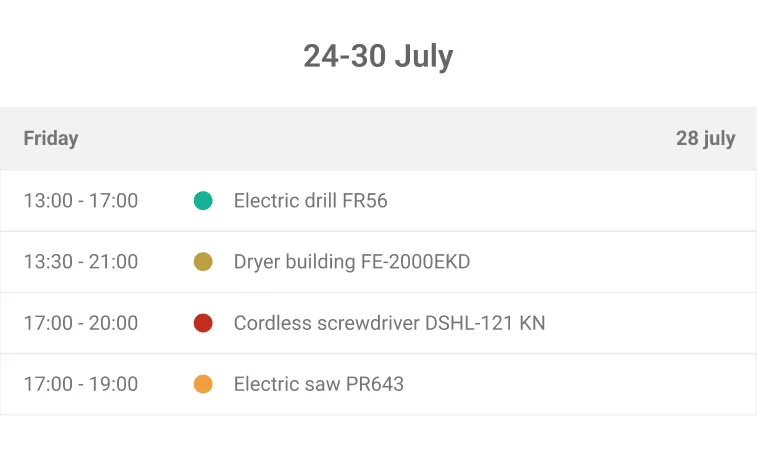
What is free, what is out and what is in the workshop, at every yard, in one calendar.
-
Damage and deposits
Log damage against the hire it came from, then charge it to the deposit or invoice it separately.
-
Service by hours or date
Plan servicing on hours used or on a date. The machine leaves availability while it is being done and returns when the job closes.
Off-hire
The off-hire date is where the money leaks
Plant collected on Tuesday and closed off on Friday is three days you either lose or overcharge. Closing the hire from the phone at the moment of collection stops both. The dates on the contract are then the dates that happened.
- Off-hire recorded in the app at the point of collection
- Extensions logged with who agreed them and when
- Open hires listed by age so nothing drifts
- Contract, dates and photos in one record
Utilisation
Which machines pay and which just sit
Purchase price, days on hire, revenue and repair spend, per machine. After a season you can see the five-tonner that never stops and the one that has been parked since March. That is the number that decides what to buy next.
- Revenue and days on hire per unit
- Repair spend shown beside earnings
- Utilisation by category and by depot
- Outstanding balances by account
Frequently asked questions
Does it handle long site hires that run for months?
Yes. A hire can run to an agreed end date or stay open until the machine actually comes back. Extensions and rate changes stay on the record rather than in someone's head.
Can we move machines between depots?
Yes. Each site has its own stock, staff and till, and a transfer keeps the machine's history with it. Business covers three sites and Pro is unlimited.
Can regular site contacts book kit themselves?
You can put the booking widget on your own website so customers request machines for dates they can see are free. Those requests land in the same calendar as counter and phone bookings.
Does it replace our accounts package?
No. It handles hires, contracts, deposits and what each machine earns, and exposes all of it through a REST API. Invoicing and ledgers stay where they are.
Run one week of hires through it
Seven days, full access, no card. Load twenty machines and put a real on-hire and off-hire through the app.
Free for 7 days. No card required.