
For construction hire
Rental software for construction equipment
Know where every machine is, what it earned and when it is due back. Built for yards that hire out plant and get it back covered in mud.
Free for 7 days. No card required.
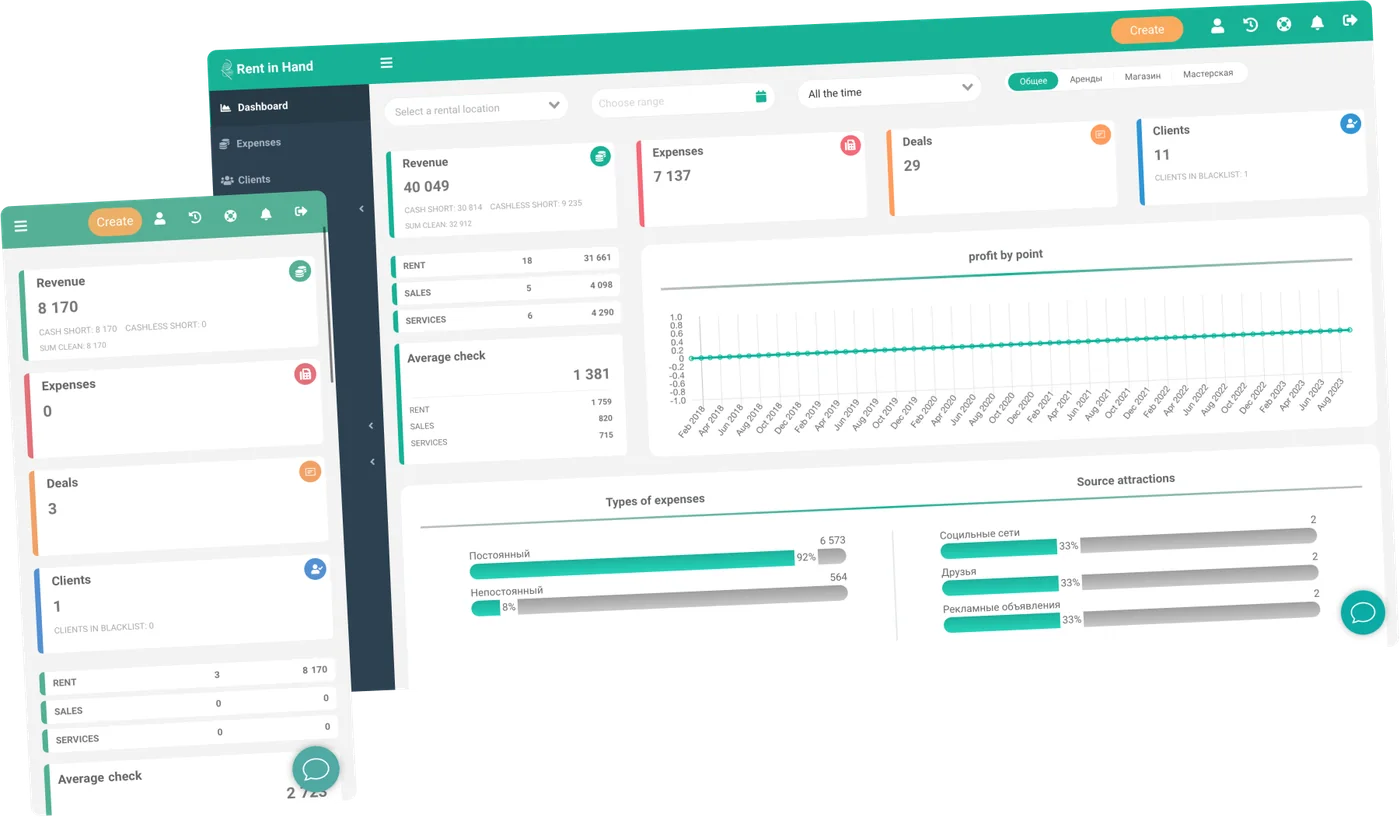
Built around the way a plant yard runs
Bookings, deposits, damage and repairs in one place, because on a hire desk they are all the same conversation.
-
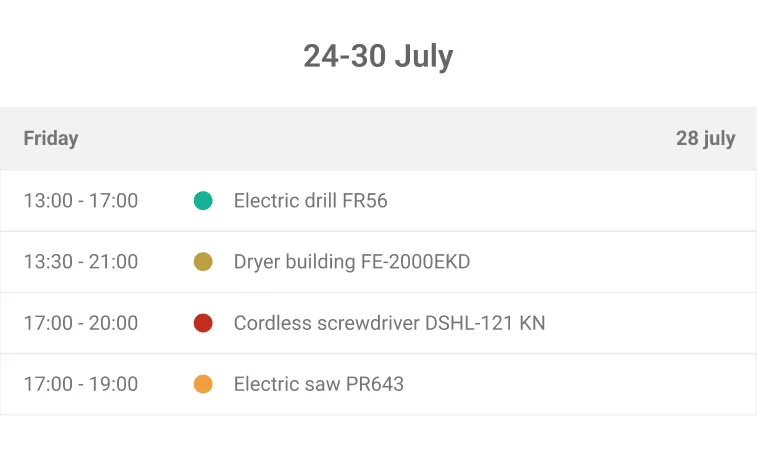
Availability by machine, not by count
You book the actual unit, with its own serial and its own history. Two customers cannot be promised the same excavator, at the counter or through the widget.
-
Condition photos at both ends
Photograph the machine at handover and again when it comes back. Both sets sit on the rental, which is usually where the argument ends.
-
Deposits you can account for
Hold a deposit, release it, or deduct for damage. At any point you can see which deposits you are still sitting on.
-
Workshop attached to the fleet
Raise a repair job against the machine, log the parts and the days lost. While it is in the workshop it cannot be hired out to anyone.
-
Days on hire per unit
Revenue, days out and repair spend for each machine. That is the number that tells you what to buy another of and what to sell.
-
Handovers on site
The driver scans the machine, photographs its condition, takes the signature and collects payment from a phone at the drop.
Downtime
The machine standing still is the expensive one
Most yards cannot say which units pay for themselves. The revenue sits in one system, the repair bills in another, and the days a machine spent behind the workshop sit nowhere at all. Here all three are kept against the same asset.
- Revenue and days on hire per machine
- Repair spend booked to the same unit
- Workshop time drops out of availability automatically
- Compare units in a category before buying another
Damage and deposits
Settle it with the photos, not the phone call
Damage disputes are lost on memory. When the handover photos and the return photos sit on the same contract, the conversation takes two minutes instead of two weeks. The deduction is recorded against the deposit and against the machine's history.
- Paired handover and return photos
- Contract on your own template, signed on screen
- Deposit held, released or deducted, visible per rental
- Damage stays on the machine's record
Frequently asked questions
Can I hire by the day, the week and the month?
Yes. Rates can be hourly, daily or weekly, with your own minimum periods. A long hire is extended in place rather than re-keyed, so a machine that goes out for a fortnight and stays for two months keeps one record.
How do deliveries and collections work?
A hire carries its start and end time, so the drop and the pick-up belong to the booking instead of somebody's diary. The driver completes the handover from the mobile app on site: scan, photos, signature, payment.
Can we run more than one yard?
Yes. Each location keeps its own stock, staff and till, and machines can be moved between them. Who can discount, refund or see the figures is set per person and per location.
Contractors want an account, not a card.
Customer records carry past hires and outstanding balances, so you can see what an account owes before the next machine leaves the gate. Payments can be taken at the counter, on site or online, through your own provider.
How long before we are actually running on it?
Most yards start with the machines that go out most often and add the rest as they come back in. The trial is seven days with full access and no card, which is enough to run a real hire from booking to return.
Run a real hire through it
Seven days, full access, no card. Put in five machines, send one out, take it back with photos and see what it earned.
Free for 7 days. No card required.